Install just hours before your trip and activate during your flight or when you arrive at your destination.
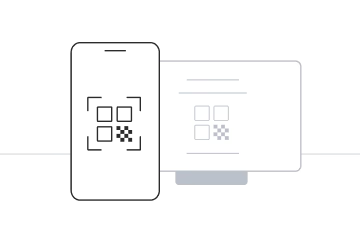
Select “Install with QR Code” if you have the code on another device to scan.
Select “Install Manually” if you are unable to scan the QR code.
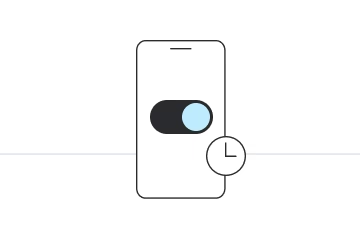
Install just hours before your trip and activate during your flight or when you arrive at your destination.
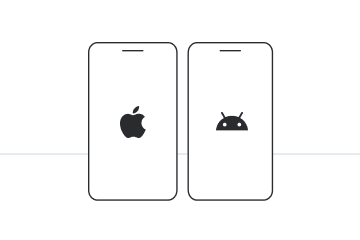
Select the device on which you will perform the installation.
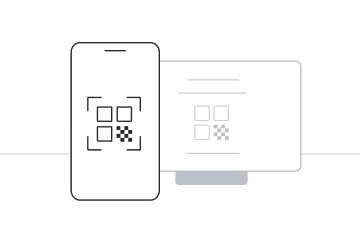
Select “Install with QR Code” if you have the code on another device to scan.
Select “Install Manually” if you are unable to scan the QR code.